









- One sided adhesive tapes
- Packing tapes
- Coloured - marking tapes
- Electrical tapes
- Office tapes, adhesive tapes
- Slick surface tapes
- Metal adhesive tapes
- Masking crepe tape
- Masking special tapes
- Surface protection tapes
- Foam - sealing tapes
- Anti-slip tapes
- Self-adhesive rubber cut-outs
- Special tapes
- Textile tapes
- Warning and reflective tapes
- Double-sided adhesive tapes
- Glues
- Flexible stoppers, bumpers
- Velcro straps
- Primers - activators - cleaners
- Accessories for adhesives, applicators
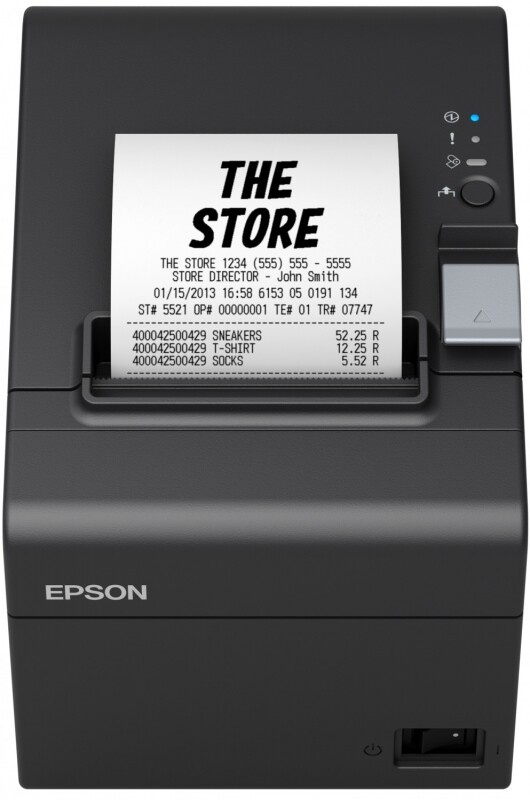
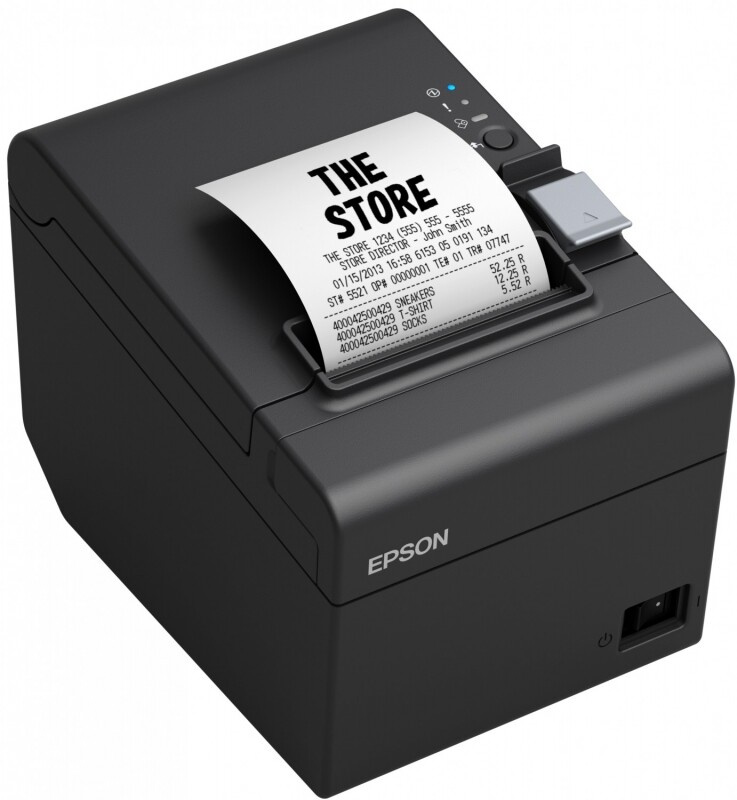
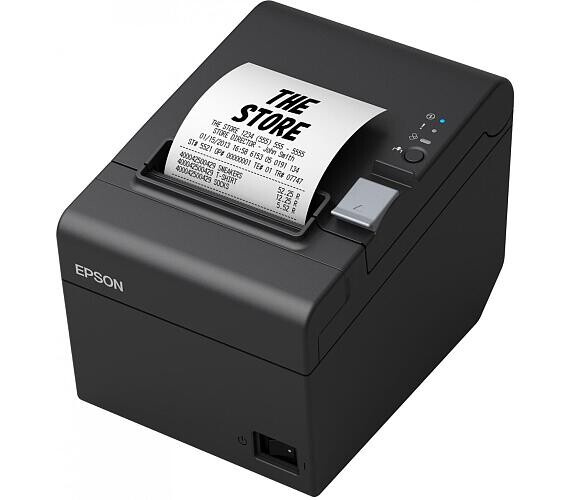
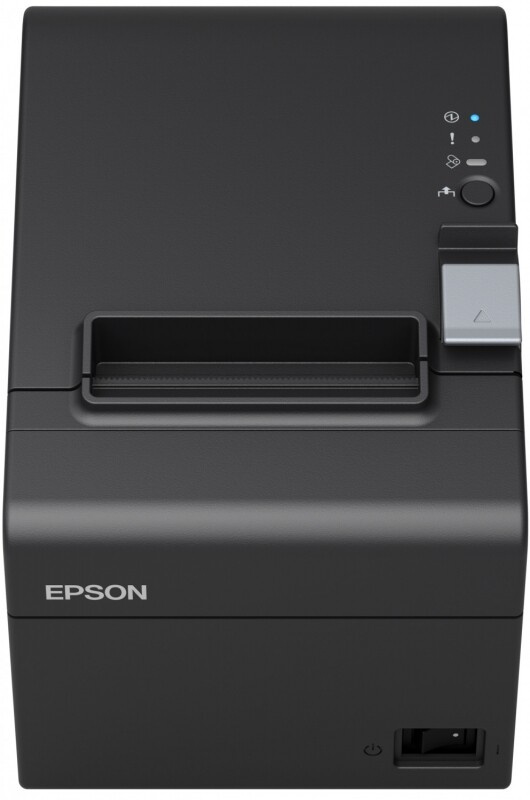
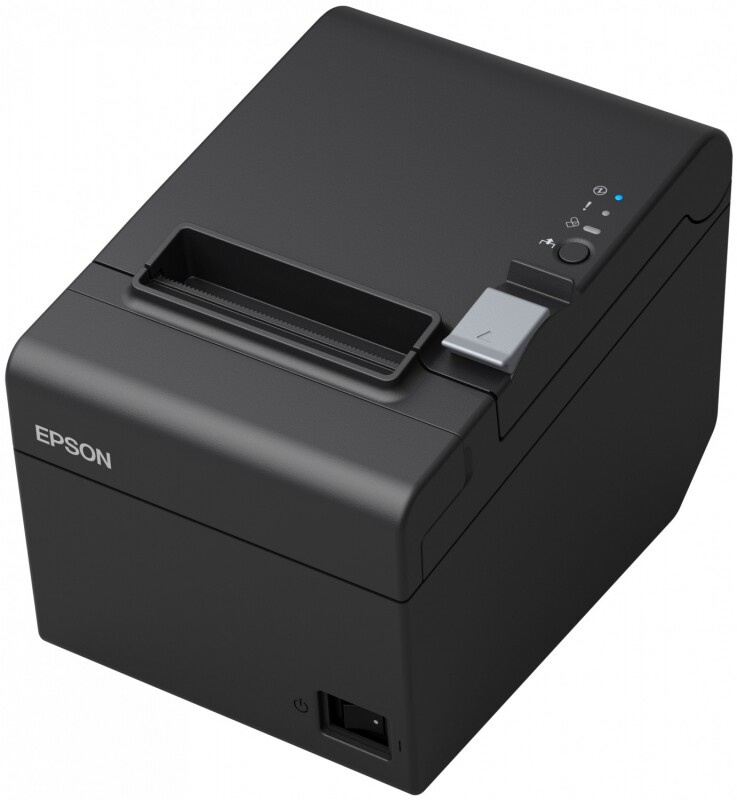
Epson TM-T20III C31CH51012 POS printer, USB, Ethernet, 8 dots/mm (203 dpi), cutter, black

Parameters
Product description
Epson TM-T20III Series
With a combination of fast printing, high reliability, and economical operation, this printer is a must-have for small and specialized retail shops, hospitality venues, and grocery stores.
Affordable
This easy-to-use model is our most cost-effective POS receipt printer, capable of printing on 80 mm wide paper. Its automatic paper reduction feature decreases the top and bottom margins, the width of line spacing, and the height of the barcode, allowing for flexible receipt printing. In this way, the amount of paper consumed can be monitored and controlled. Cost reduction on paper is achieved by printing the top logo at the beginning of the next receipt before cutting the current one, which shortens the top margin by 12 mm.
Reliable
Mean time between failures of 360,000 hours and a printer mechanism life of 15 million lines mean that you can rely on the TM-T20III model in high-volume printing environments.
Printing Method
Thermal line printing
Printing Speed
250 mm/s
Receipt Printing Speed
200 mm/s
Resolution
203 dpi x 203 dpi
Paper Types
Receipt
Paper Format Paper Roll
79.50 ± 0.50 (W) mm x diam. 83.00 mm,
57.50 ± 0.50 (W) mm x avg. 83.00 mm
Interface
Ethernet interface (100 Base-TX / 10 Base-T), USB 2.0 type B, Drawer opening
Installation
Horizontal, Vertical, Vertical with wall bracket, Wall bracket
Cutter
Partial cut
Sensors
Paper roll cover open sensor, Paper end sensor
Package contents: power cable, Manual on CD, Main device, PS-180, Paper output guide, Switch cover, Paper rolls, Rubber feet, USB cable, Wall bracket, Warranty document
Warranty
24 months with supplier
- The device is set to network connection by default. In case of installation issues, please contact the EPSON Hotline support line: +420 246037281 email: level.one@epson.cz.
- Procedure for switching to USB port. It is necessary to have the power connected and paper inserted, as the printer processes instructions sequentially.
- Prints: 1. Turn on by pressing and holding the FEED 2 button. Long press (1s or more) to bring up menu 3. Item 3 = change settings (3x short, 1 long FEED) 4. Item 17 = interface (17x short, 1x long) 5. Item 2 = Built-in USB (2x short, 1x long) 6. Restart = (repeatedly long FEED - always after printing the menu)
- Drivers and manuals https://download.epson-biz.com/modules/pos/ Or you can contact support at level.one@epson.cz.


